Most people's experience of AI is a text box. You open it, you ask something, you get an answer, you close the tab. Next time you open it, you start again from nothing. You re-explain your job, your projects, your preferences, your file paths, your constraints. Then you do it again tomorrow.
That was my experience too, for a while. It was useful in the way a very fast intern with amnesia is useful. The output was often good. The overhead of getting to that output never went down.
What changed things for me was not a better model. It was building an environment around the model.
The shift: from asking questions to running an operating layer
Anyone following AI to some extent would be familiar with ClawdBot/OpenClaw – I followed the initial weeks of the Agent sensation, but my research indicated that there were way too many security vulnerabilities with the initial releases. I parked the idea for a few weeks until I read about Hermes Agent in May 2026, an open-source personal agent from Nous Research.
I reach it through Telegram on my phone, which matters more than it sounds. I am not sitting at a desk to use it. I message it the way I would message a colleague, from the car park, from the couch, from a client site.
The difference is not the interface though. It is what sits behind it. At the time of writing my instance has 186 skills installed and 15 scheduled jobs running on their own timetable. It knows which projects live on my machine, which database holds my prospect data, how I like documents formatted, and where to save them.
The four things that made it stop feeling like a chatbot
1. Memory that survives the session
The single highest-value feature is boring: persistent memory. Facts that stay true get written down once and injected into every future conversation. My location. My background. The fact that generated Word and Excel files go to a specific folder and not wherever the tool feels like putting them. The fact that I am on Telegram and not sitting at the host machine, so a file path alone is useless to me and files need to be sent as attachments.
None of that is clever. All of it eliminates a repeated tax. I stopped correcting the same three things every session, which is the actual productivity gain.
The best memory is the one that stops you having to steer twice.
2. Skills: procedural memory, not just facts
Memory holds what is true. Skills hold how things get done here. A skill is a markdown file with a trigger condition and a procedure: exact commands, known failure modes, the workarounds that were discovered the hard way.
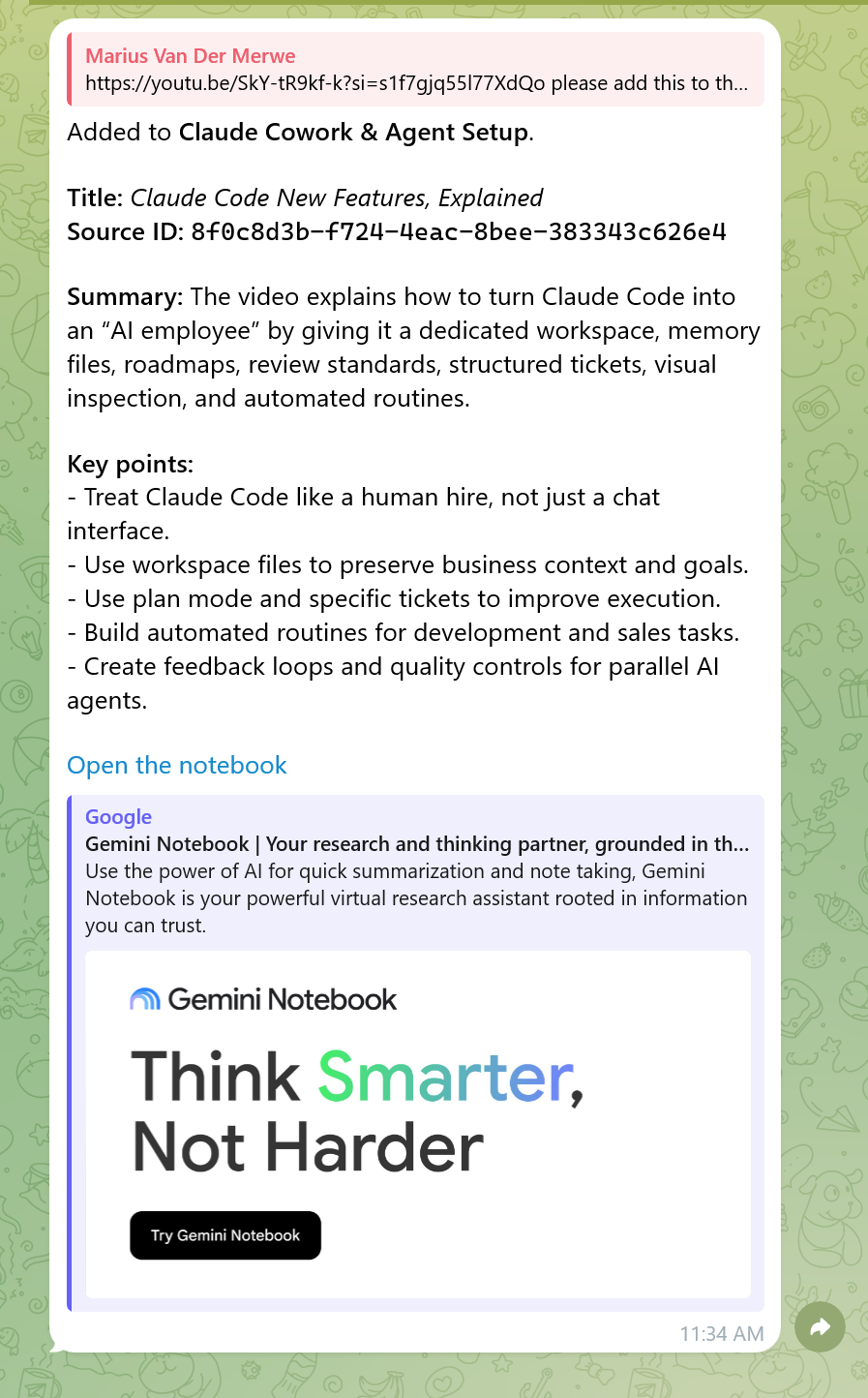
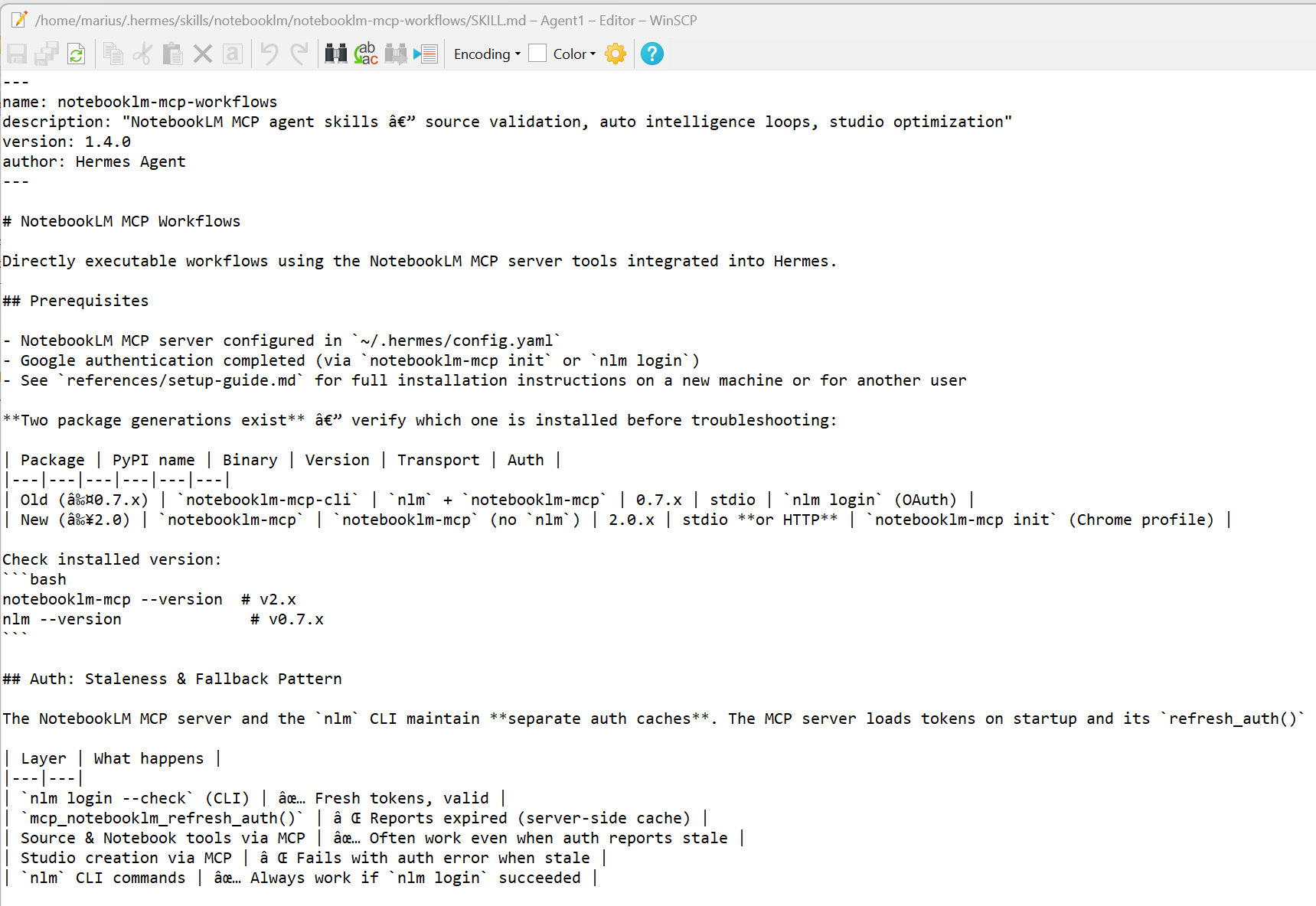
A concrete example. My NotebookLM workflow skill contains a pitfall that cost me time to find: NotebookLM silently rejects YouTube short links in the youtu.be format, and returns a generic error that tells you nothing. The fix is to convert the link to the full youtube.com/watch?v= form and strip the tracking parameters. That is now written down. It will never cost me time again, and it will never cost the agent time again either.
This is the part people underestimate. A skill library is not documentation. It is the accumulated scar tissue of everything that already went wrong, in a form the machine reads before it acts.
3. Scheduled jobs: work that happens when I am not there
Fifteen jobs currently run on schedule. A few examples of what they actually do:
- A registry scraper runs every 10 minutes, collecting board member data, with a status report twice a day and a backup at 11pm.
- A job search runs twice daily against my criteria, and a separate verified-roles search runs weekdays at 8am.
- A Gmail monitor checks hourly for responses to job applications.
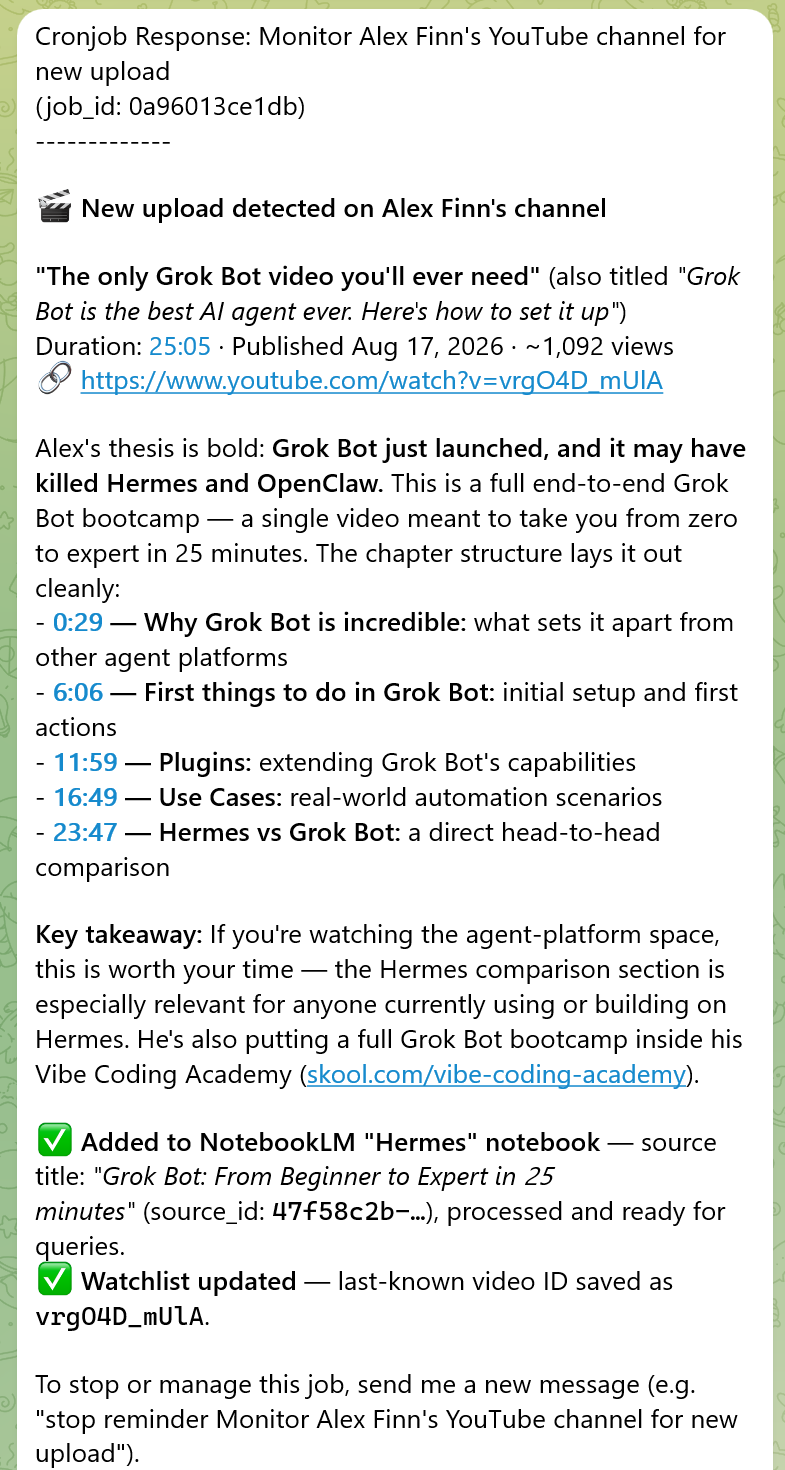
- Several YouTube channel monitors check twice daily and tell me when specific creators publish something relevant.
- A weekly idea-mining job runs Monday mornings.
- Backups run nightly.
The important design detail is that most of these are silent unless something happened. A monitor that pings you every 12 hours to say nothing changed is not a monitor, it is a nuisance. The jobs hash their output and only wake the model up when the result actually differs from last time.
4. Real tools, not simulated ones
The agent runs actual commands in an actual shell on my machine. It reads and writes real files. It queries my PostgreSQL database. It drives a real browser when a site needs clicking through. It generates Word, Excel and PowerPoint files. It connects to external services over MCP.
This is the line between a demo and a tool. An assistant that describes what it would do is entertainment. An assistant that runs the command and shows you the exit code is infrastructure.
What it costs, honestly
Setup is not free. It took real time to get the browser automation working under Wayland (that's the Window Manager Cachy OS – a Linux variant), to get the NotebookLM connection stable, and to work out sensible boundaries for what the agent is allowed to touch. Some of that involved patching a Python package by hand because of an upstream bug.
There is also an ongoing discipline cost. An agent with memory and file access will confidently do the wrong thing at scale if you are careless with instructions. I insist on backups before data edits and reviewable artifacts before code changes. That is not paranoia, it is the price of letting something act on your behalf.
What I would tell someone starting now
- Do not start with automation. Start with memory. Get the assistant to stop asking you the same questions before you get it to run unattended.
- Write down every workaround the moment you find it. If you solved it once and did not record it, you will solve it again. I often ask Hermes "What did you learn from this exercise?" and it seems to trigger it to update the skills automatically.
- Make scheduled jobs silent by default. Only alert on change.
- Keep a human in the loop for anything destructive. Backups first, always. Tell your agent to back itself up to GitHub if you have a GitHub account – it's free.
- Judge it on whether it reduced your steering, not on whether the output looked impressive.
The framing that stuck with me is that this is less like hiring an assistant and more like building one. The model is the easy part. Everything around it is where the leverage is.
Some useful links
- Download Hermes (Desktop and CLI versions): hermes-agent.nousresearch.com
- Notebook LM (now called Gemini Notebook): notebook.google.com
- Openrouter (access the latest LLM models with one subscription): openrouter.ai
- CachyOS (probably a little niche, would recommend Ubuntu probably): cachyos.org